The 20-minute Google Business Profile check-up
A free, plain-English checklist for your Google Business Profile, based on Google's own rules and the local ranking factors experts rate most.
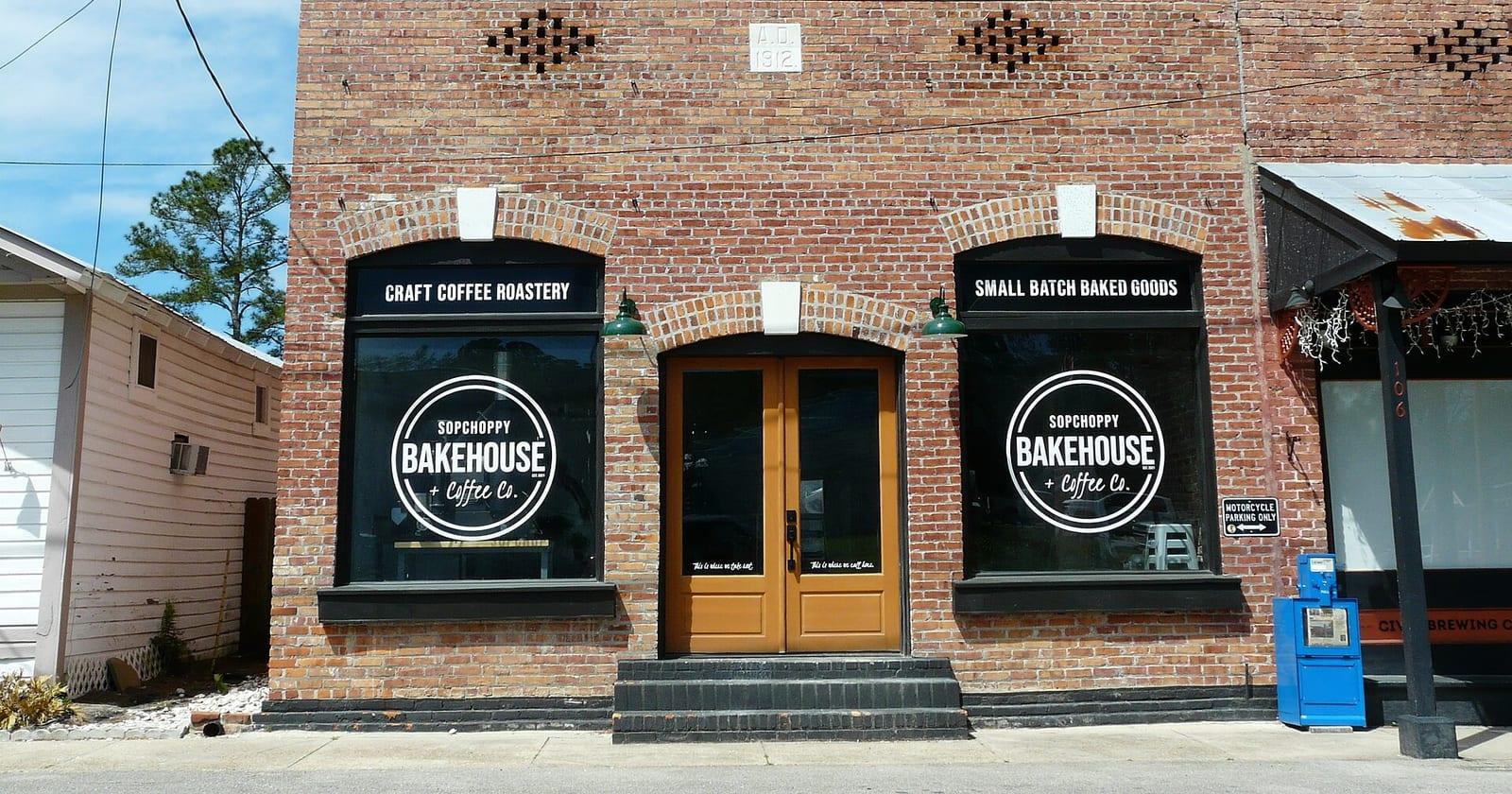
For a local business, your Google Business Profile often matters as much as your website. It is what shows up on Google Maps and in the box beside search results. Many people decide whether to call you without ever clicking through.
This check-up takes about 20 minutes. It is based on Google's own rules and on what local search experts rate as most important. Grab your phone, open your profile, and work down the list.
Why these items, and not others
Whitespark regularly surveys local search experts on what drives rankings in Google's map results. In the latest survey (published November 2025), the top factors were your primary business category, how close you are to the person searching, keywords in your business name and a physical address in the city being searched. High Google ratings came sixth (Whitespark).
It is expert opinion, not Google's formula. But it tells you where to spend your 20 minutes. You cannot move closer to customers. You can fix your category, your name, your reviews and the details customers see.
Part 1: The basics (5 minutes)
☐ Your business name is your real name. It should match your signs, website and paperwork. Google's guidelines do not allow unnecessary information in a business name, and their examples rule out marketing taglines, phone numbers, web addresses and extra location details (Google). "Smith's Plumbing" is fine. "Smith's Plumbing Best Emergency Plumber Leeds" is not.
Yes, keywords in a name help rankings in the survey. That only applies if the keyword really is part of your business name.
☐ Your primary category is the most specific one that fits. Google says to use as few categories as possible, and to choose ones that are as specific as possible while still describing your main business. "Thai restaurant" beats "restaurant".
☐ Your address or service area is right. If customers come to you, show your address. If you go to them, set a service area and hide your address. Google does not accept P.O. boxes, and a virtual office is not eligible for a profile.
☐ There is only one profile. Google says "There should only be one profile per business" for each location. Search for your name on Maps. If an old duplicate appears, ask for it to be removed.
Part 2: What customers see (8 minutes)
☐ Opening hours are correct, including holiday and seasonal hours. Wrong hours lead to angry reviews.
☐ The phone number rings you. Google wants a number under the business's direct control, and a local number rather than a central call centre where possible.
☐ The website link goes to your own site. Google's guidelines say not to use links that send people to pages other than the business's own, including pages on social media sites.
☐ Photos are recent and real. Your shopfront, your team, your work. Delete blurry or outdated ones. A clear photo of the outside helps first-time visitors find you.
☐ Your services or menu are listed with plain names that match how customers search.
☐ Your latest post is current. If your newest update is an expired offer, replace it. Google appears to be testing showing Posts higher on profiles, so old posts may be more visible than before.
Part 3: Reviews (5 minutes)
☐ Reply to your last ten reviews. Thank people briefly. For bad reviews, stay calm, take it offline, and never argue in public.
☐ Get your review link. Copy the "ask for reviews" link from your profile. Save it on your phone.
☐ Plan how you will ask. The best moment is right after a job goes well. A short text with the link works. Do not pay for reviews and never write fake ones. In the UK, the Competition and Markets Authority opened five investigations into online review practices in March 2026, covering things like incentivising positive reviews and suppressing negative ones (Macfarlanes, 5 Oct 2026).
Part 4: Connect it to your website (2 minutes)
☐ Your website shows the same name, address, phone and hours as your profile. Mismatches confuse customers and search engines.
☐ Each main service has its own page on your website. In the same Whitespark survey, a dedicated page for each service was the top factor for local organic results. Link your profile to your home page, and make sure the service pages are easy to find from it.
☐ Your pages have a good share picture. When someone shares your site, the picture is what they see. Google also recommends large, high-quality images, at least 1200 pixels wide, for its Discover feed (Google Search Central).
Print it, do it, repeat it
Do this check-up every three months, and whenever you change your hours, move, or add a service. It is the cheapest marketing you will ever do.
Moon Websites sites show your review links and keep your business details in one place, so your website and profile tell the same story; see what is included.
Want this done for your business?
See how it worksSources
- Google Business Profile Help (Guidelines for representing your business)
- Whitespark (Local Search Ranking Factors survey), 6 November 2025
- Google Search Central, 9 March 2026
- Macfarlanes, 5 October 2026
AI-assisted, checked by Moon Websites.
Add Moon Websites as a preferred source on Google
Pick Moon Websites once, and Google can show you more of our stories when you search.